Component Structure: The Building Blocks of a Modular App
Share
Component Structure Guidelines - Part 3
Now that we've covered the architectural foundation and delivery phases for a modular React Native app, let's dive into the nitty-gritty of structuring our components. Following a consistent and logical component structure is crucial for maintaining a clean, scalable, and easy-to-manage codebase. The aim of these guidelines is to set clear constraints and requirements for how we organise our components, ensuring a unified approach across all teams and projects.
Component Folder Structure 📂
Each component, whether it's a reusable component, UI, or a component for a specific module, should reside in its own dedicated folder. This approach keeps related files bundled together and makes it simple to locate and manage them.
Here's the breakdown of the folder and file naming conventions:
-
Folder Name: The folder name must be in PascalCase (e.g.,
PascalCase). -
Component File: The main component file will share the same name as its folder (e.g.,
PascalCase/PascalCase.tsx). This component file should export a named arrow function (e.g.,export const Component = () => {}). -
Index File: Each component folder must include an index.ts file. This file is responsible for exporting only what's necessary to the outside world, such as the named component, its types, and anything else needed outside of the component itself. This prevents unnecessary exports, keeping the module's public API clean. For example, use
export { Component } from './Component'rather thanexport * from './Component'.
The Complete Component Folder
To keep things organised and maintainable, all related files should be located inside the component's dedicated folder.
-
Types: Component-specific types are to be in their own file in a file called
types.ts. -
Tests: Tests for the component should be located inside a folder called
__tests__. -
Images: Any images used by the component should be stored in a folder called
images. -
Storybook: Storybook files for documentation and development should be housed in a folder called
stories. -
Custom Hooks: All component logic should be placed in single-purpose custom hooks inside the
hooksfolder. This folder is also to include an index.ts file to allow for easier importing. Tests for hooks are to be located inside the hooks folder in a folder called__tests__.
Hook Naming Conventions 🎣
When naming custom hooks, follow these simple rules:
-
Use Descriptive Names: Avoid generic names like
useValidation. Instead, use descriptive names that reflect the hook's purpose, such asuseFormValidation. -
Start with
use: All custom hooks must begin with the worduse(e.g.,useGetLoadingState). -
Camel Case: Hook names are to be in camelCase (e.g.,
camelCase).
UI vs. Components: A Clarification 🤔
In the React ecosystem, the terms "UI" and "Component" are often used interchangeably, but they refer to distinct concepts. Understanding this difference is key to a well-structured app.
-
UI (User Interface): The UI refers to the visual part of an application that users interact with. It includes everything from buttons and text to forms and overall layout. Its purpose is to provide an intuitive and engaging experience. The UI is composed of multiple components working together.
-
Component: A component is a modular, reusable piece of code that encapsulates a part of the UI. Components are the building blocks of a React application. They can manage their own internal state, handle events, and accept inputs via props. Components promote reusability, enabling developers to create a component once and use it in multiple places throughout the application.
This distinction leads to a logical folder structure where we separate UI
elements from other components. We can split the src/components folder into
src/shared/components for more generic components and src/shared/ui for user
interface elements.
By adhering to these guidelines, we can create a codebase that is not only modular but also highly organised, making it a joy to work with and a breeze to scale.
The Atomic Design Approach ⚛️
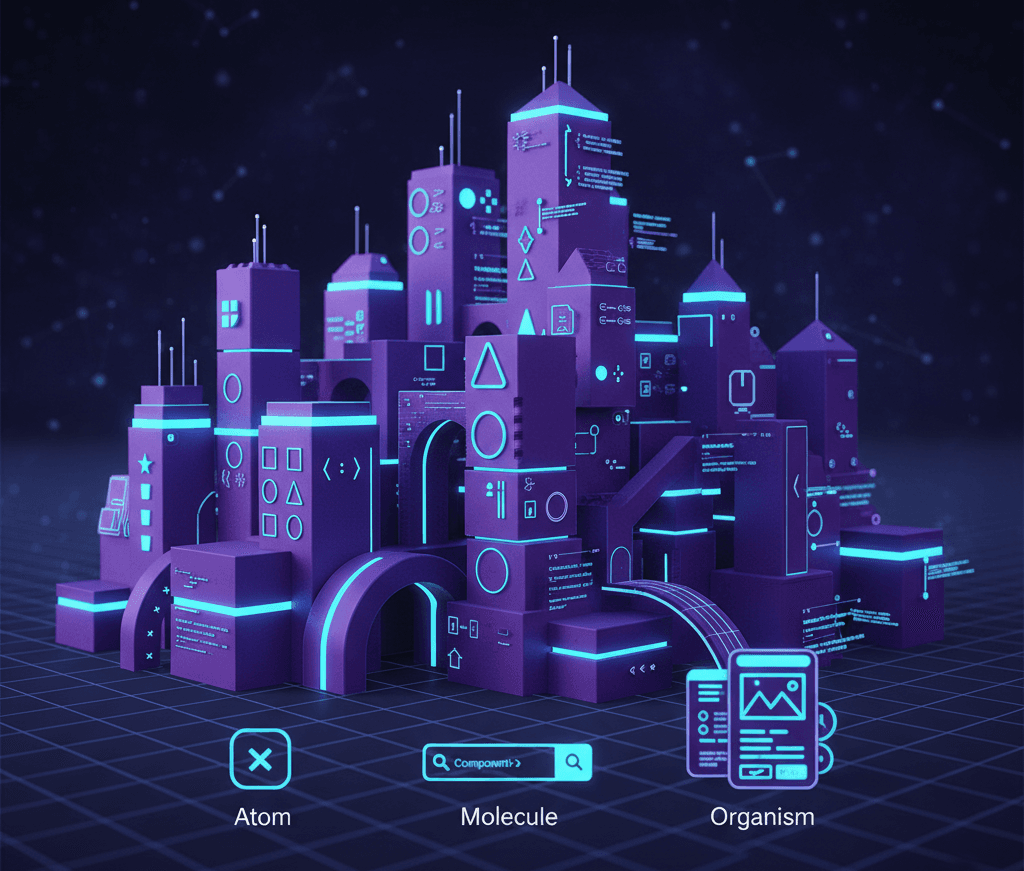
A great way to apply these principles is by adopting the Atomic Design methodology. This approach breaks down the UI into its fundamental building blocks and then assembles them in a hierarchical manner.
-
Atoms: These are the smallest, indivisible building blocks of a UI, such as buttons, input fields, and icons. In your app structure, these would reside in the
src/shared/uidirectory. For example:src/shared/ui/Button. -
Molecules: A molecule is a group of atoms bonded together to form a simple, reusable component. An example would be a search form, which is a molecule made up of an input atom and a button atom. These can also be placed within the
src/shared/uidirectory. For example:src/shared/ui/SearchForm. -
Organisms: These are groups of molecules and/or atoms joined together to form a relatively complex, distinct section of an interface. An organism could be a navigation bar or a product card. These are generally placed within your main
src/componentsdirectory. For example:src/components/ProductCard. -
Templates: Templates are page-level objects that place organisms into a layout. They focus on the page's content structure rather than its final content. In a React Native app, a template would represent the main screen view, composed of different organisms. You can create a new folder for these, such as
src/components/templates. For example:src/components/templates/ProductDetailTemplate.tsx. -
Pages: A page is a specific instance of a template with real placeholder content filling in the template's structure. These are the actual screens of your application. The pages would import and use the templates to create a full view. For example:
src/pages/ProductDetailPage.tsx.
By adopting these guidelines and principles, we can create a codebase that is not only modular but also highly organised, making it a joy to work with and a breeze to scale.
Series
This article is part 3 of the series on restructuring a React Native application frontend.
- Part 1: Introduction and Vision
- Part 2: Delivery Phases
- Part 3: Component Structure Guidelines
- Part 4: Module Structure Guidelines - Coming Soon
- Part 5: Design Patterns - Coming Soon